simple-mind-map的使用
官方文档地址:https://wanglin2.github.io/mind-map-docs/start/start.html
安装
npm i simple-mind-map // npm yarn pnpm 都行
使用
import MindMap from 'simple-mind-map'

const mindMap = new MindMap({
  el: document.getElementById('mindMapContainer'),
  data: {
    "data": {
        "text": "根节点"
    },
    "children": []
  }
})
前端实际应用中需要的大部分功能
themeConfig配置主题(包括背景色,连接线样式,一级节点,二级节点,三级以后节点的大致样式),expandBtnStyle(展开收缩按钮的样式),initRootNodePosition(初始化的位置),customCreateNodeContent(自定义子节点,好用推荐),execCommand(执行命令,一些操控导图的方法在这里)
const el = document.getElementById('mind-map-container_second')
const mindMap = new MindMap({
    el,
    readonly: true,
    data: this.nodeData,
    layout: 'mindMap',
    themeConfig: {
        backgroundImage: mindBgSecond,
        backgroundRepeat: 'no-repeat',
        backgroundPosition: 'center center',
        backgroundSize: 'cover',
        lineDasharray: '3, 3',
        lineColor: '#fff',
        lineWidth: 2,
        root: {
            fillColor: 'transparent'
        },
        second: {
            fillColor: 'transparent',
            borderWidth: 0
        },
        node: {
            fillColor: 'transparent',
            borderWidth: 0
        }
    },
    expandBtnStyle: {
        fill: 'transparent',
        color: '#00D9FF',
        strokeColor: '#C4FBFF'
    },
    initRootNodePosition: ['35%', '0%'],
    isUseCustomNodeContent: true,
    customCreateNodeContent: (node) => {
        const el = document.createElement('div')
        const Comp = Vue.extend(CustomNodeContent)
        const comp = new Comp({
            propsData: {
                nodeData: node.nodeData.data,
                elHeight: this.elHeight
            }
        })
        comp.$mount(el)
        comp.$on('openChild', () => {
            const isExpend = node?.opt?.data?.data?.expand ?? false
            if (isExpend) {
                mindMap.execCommand('UNEXPAND_ALL', false, node.uid)
            } else {
                mindMap.execCommand('EXPAND_ALL', node.uid)
            }
        })
        return comp.$el
    }
})

// 数据结构
this.nodeData = {
    data: {
        text: '数据中心',
        nodeName: 'second-one',
        expand: true,
        exData: {
            value: true,
        },
        children: [
            {
                data: {
                    text: '左边',
                    nodeName: 'second-two',
                    dir: 'left',
                    expand: false,
                    exData: {
                        value: true
                    }
                },
                children: []
            },
            {
                data: {
                    text: '右边',
                    nodeName: 'second-two',
                    dir: 'right',
                    expand: false,
                    exData: {
                        value: true
                    }
                },
                children: []
            }
        ]
    }
}
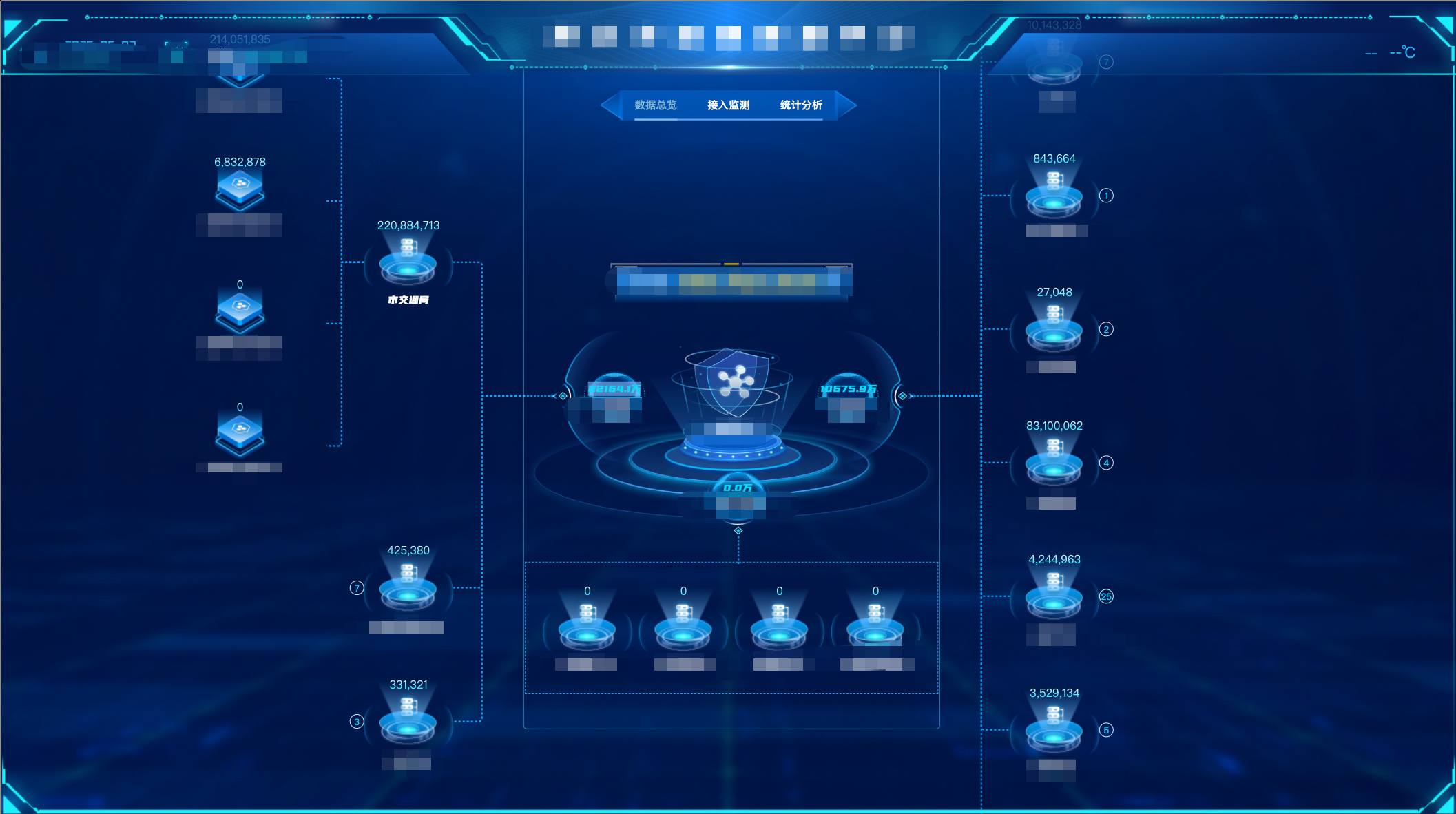
效果图